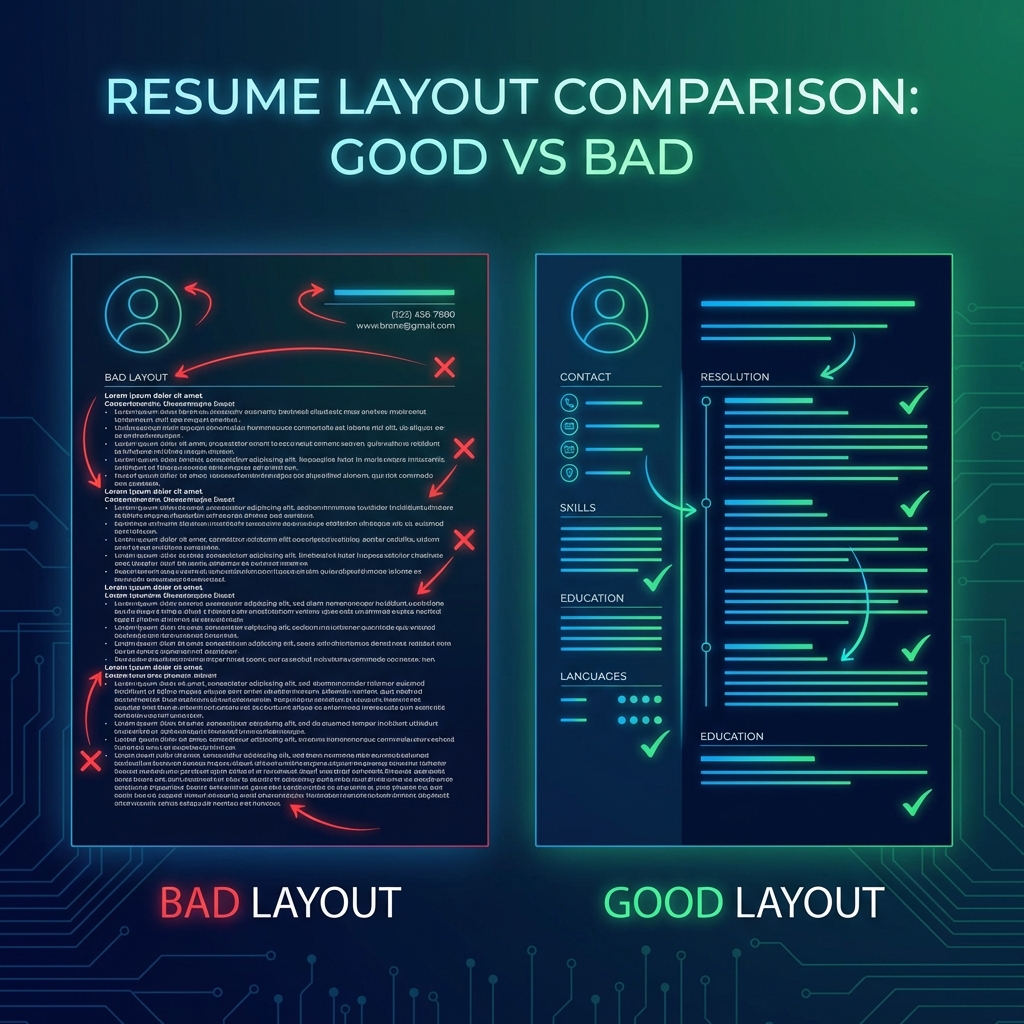
5 Resume Layout Mistakes Costing You Interviews
Your resume content might be perfect, but if the layout is wrong, recruiters won't even read it. Here are the 5 most common layout mistakes that kill your chances—and how to fix them.
Mistake #1: Using Multiple Columns
Two-column layouts look modern, but they break ATS parsers. The system reads left to right, top to bottom—so your "Skills" section in the left column might end up mixed with your "Work Experience" from the right column.
Fix: Use a single-column layout. It's boring, but it works.
Mistake #2: Fancy Fonts and Graphics
Custom fonts, icons, and graphics make your resume stand out—to humans. But ATS systems can't read them. Your beautiful design becomes garbled text.
Fix: Stick to standard fonts (Arial, Calibri, Times New Roman). Use bold and italics for emphasis, not icons.
Mistake #3: Headers and Footers
Putting your name and contact info in the header seems logical, but many ATS systems ignore headers entirely. Your resume becomes anonymous.
Fix: Put all critical info (name, email, phone) in the main body of the document.
Mistake #4: Tables and Text Boxes
Tables organize information neatly, but ATS parsers read them cell by cell, not row by row. Your "Company Name" might end up separated from your "Job Title."
Fix: Use simple line breaks and bullet points instead of tables.
Mistake #5: Creative Section Names
"My Journey" instead of "Work Experience" might sound unique, but ATS systems look for standard headers. If it can't find "Work Experience," it assumes you don't have any.
Fix: Use conventional headers: Work Experience, Education, Skills, Certifications.
The Bottom Line
Your resume needs to be ATS-friendly first, human-friendly second. Once you pass the ATS, recruiters will see your content. But if you don't pass, no one will ever read it.
Want an ATS-friendly template?
Our templates are designed to pass ATS while still looking professional. No more guessing—just proven layouts that work.
Browse Templates